
Achieve3000 Literacy System Requirements
Review system requirements needed to run Achieve3000 Literacy successfully.


Important! This technical article is primarily for those who manage a protected network, whether it is at a district, at a business, or in a home.
McGraw Hill has a wide range of online products for pre-kindergarten through 12th grade curriculum and beyond. We use a variety of sites to support the many different services we offer. To ensure your users will have full access and top performance, please whitelist or prioritize traffic to and from our primary domains (recommended) or specific subdomains below.
Article Contents
How to Check for the Latest Browser Versions
Additional Browser Requirements
Additional Hardware Requirements
We support the Chrome, Firefox, Edge, and Safari browsers. For the best experience, we recommend using Chrome or Firefox.
Achieve3000 Literacy is compatible with the following screen-reader applications:
- Chrome web browser (Windows 10/Chrome latest version) using JAWS
- Safari web browser (Mac 10.14/Safari 13.05) using VoiceOver
Achieve3000 Literacy is committed to making continuous improvements to its products to increase accessibility for all users.
How to Check for the Latest Browser Versions
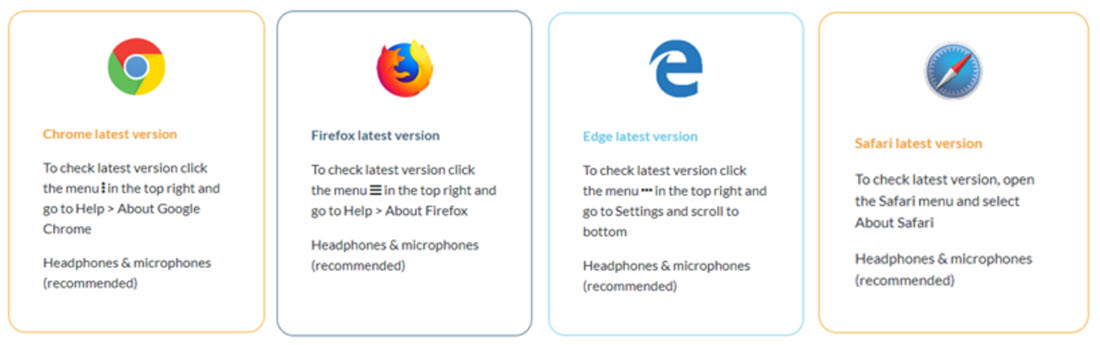
Google Chrome - Click the menu in the top-right and go to Help on the menu. Click on About Google Chrome.
Mozilla Firefox - Click the menu in the top-right and go to Help on the menu. Click on About Firefox.
Microsoft Edge - Click the menu in the top-right and go to Settings on the menu. Scroll to the bottom.
Apple Safari - Click on Safari in the navigation menu and then click About Safari.
Headphones and microphones are recommended.
Additional Browser Requirements
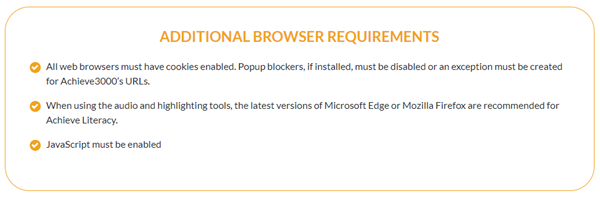
- All web browsers must have cookies enabled. Pop-up blockers, if installed, must be disabled or an exception must be created for Achieve3000's URLs.
- When using the audio and highlighting tools, the latest versions of Microsoft Edge or Mozilla Firefox are recommended for Achieve Literacy.
- JavaScript must be enabled.
Additional Hardware Requirements
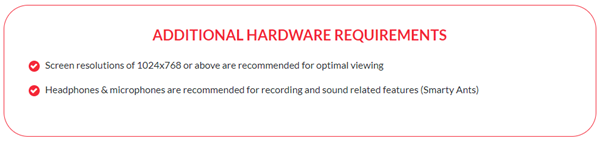
- Screen resolutions of 1024x768 or above are recommended for optimal viewing.
- Headphones and microphones are recommended for recording and sound related features.
Related Articles
Achieve3000 Literacy Whitelist Information